
Supported Gateways in South Africa
- Paycycle
- Netcash
Configuring your Paycycle Gateway
- Please e-mail support@paycycleapp.com to enable this gateway on your account.
- Please complete the onboarding form to process your gateway application.
- https://paycycle.co.za/onboarding/
- Once you have submitted the online form you will receive a online contract for signature.
- Once contract has been signed and credit checks are clean, your account should be active within the hour.
Once your account is active
In Paycycle Go to Settings/ Payment Gateway
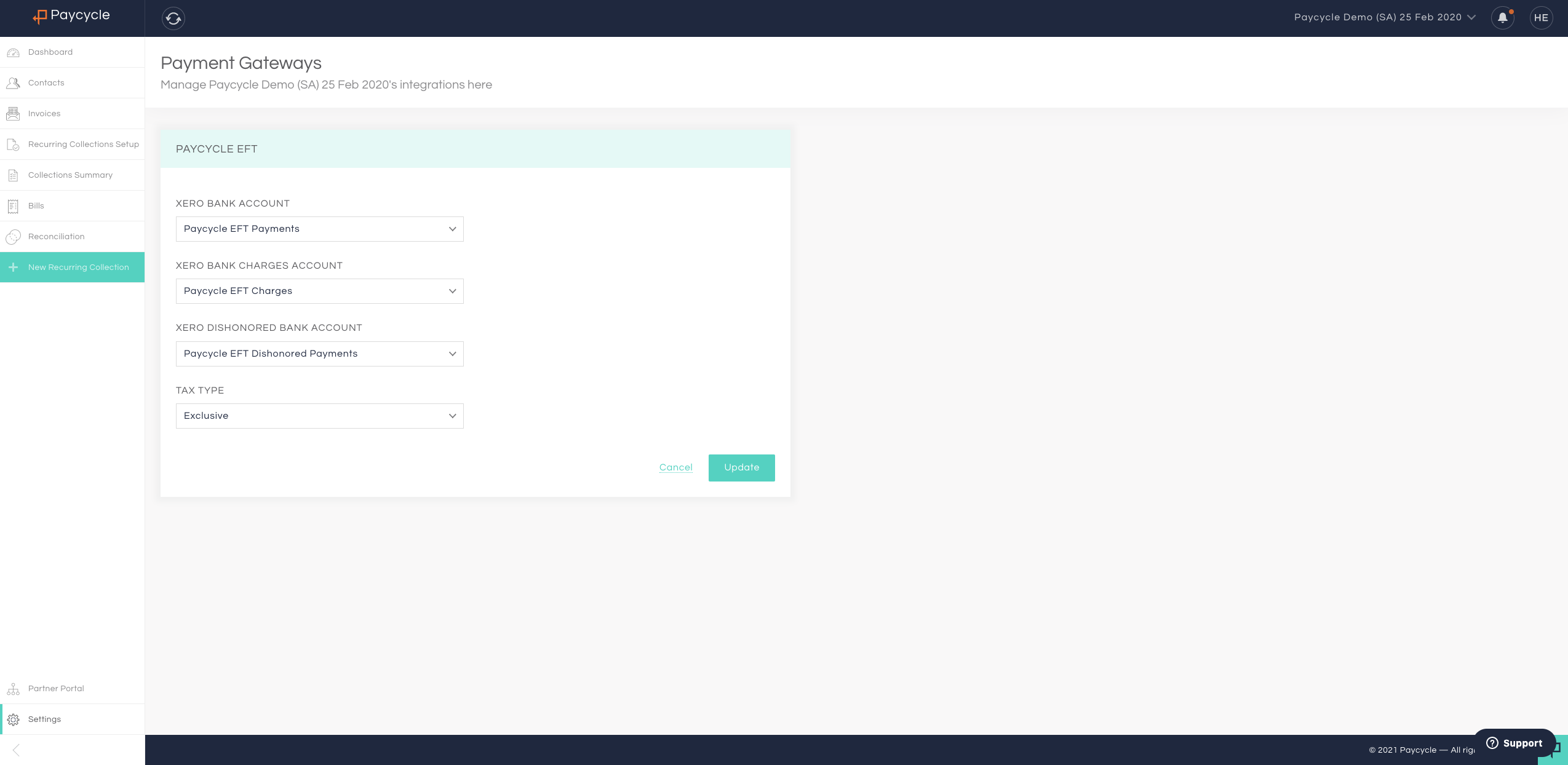
Select the Paycycle Gateway to configure settings
To make life easier, all account has been pre-configured with your Xero Account, just update your Tax type (Inclusive = If you company is VAT Registered and None = If your company is not VAT registered)
Comments
0 comments
Please sign in to leave a comment.